
Billing
Subscriptions & Billing
Learn about MoneyNote plans, credits, and payment methods
MoneyNote uses a credit-based model: subscriptions grant monthly credits, and credit packs are purchased on demand.
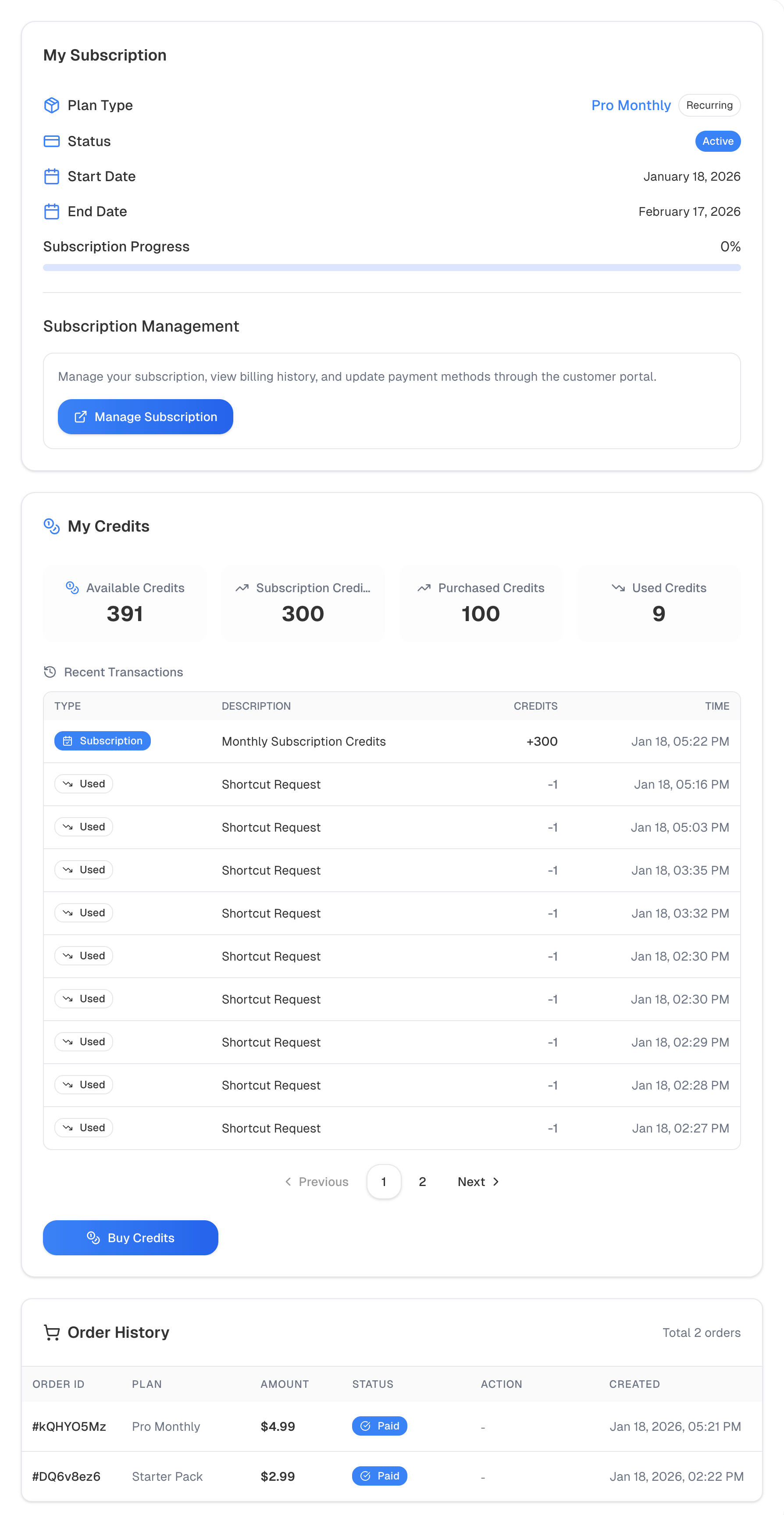 Subscriptions and billing page
Subscription Plans
| Plan | Price | Credits | Notes |
|---|---|---|---|
| Pro Monthly | $4.99 / month | 300 credits / month | 30-day free trial, cancel anytime |
| Pro Annual | $39.99 / year | 3600 credits / year | Save 33% vs monthly |
You must verify your email before subscribing or purchasing credits.
Verify your email to receive 10 bonus credits — no credit card required.
Credit Packs
| Pack | Price | Credits | Notes |
|---|---|---|---|
| Starter Pack | $2.99 | 100 credits | One-time purchase, never expires |
| Power Pack | $9.99 | 400 credits | One-time purchase, never expires |
Credit Rules
- Shortcuts logging: Multimodal logging costs 5 credits per entry; other shortcuts cost 1 credit per entry
- Subscription credits:
- Monthly plan: 300 credits per month
- Annual plan: 3600 credits one-time
- Top-up credits: Never expire
- Consumption order: Subscription credits are used first, then top-up credits
- Email verification bonus: One-time 10 bonus credits after email verification
Free Trial
- Available for Pro Monthly only
- Each new account can use the trial once
- The trial is created via Stripe and may require payment details for verification
Payment Methods
MoneyNote uses Stripe to process payments and supports major credit and debit cards (Visa, Mastercard, American Express, and more).
Purchase & Management
- Choose a subscription or credit pack on the pricing page
- Complete payment on the Stripe checkout page
- Credits are added automatically after payment succeeds
- Go to Settings -> Billing to view your subscription status, credits, and orders
- To cancel or change your plan, click Manage subscription to open the Stripe Customer Portal
Orders & Status
You can review order history in Settings -> Billing. If an order is Pending, click Continue payment to complete it.