
Custom Rules
Custom Rules
Help AI recognize your expenses more accurately
In Settings -> Custom Rules, you can tune AI parsing so results better match your bookkeeping habits.
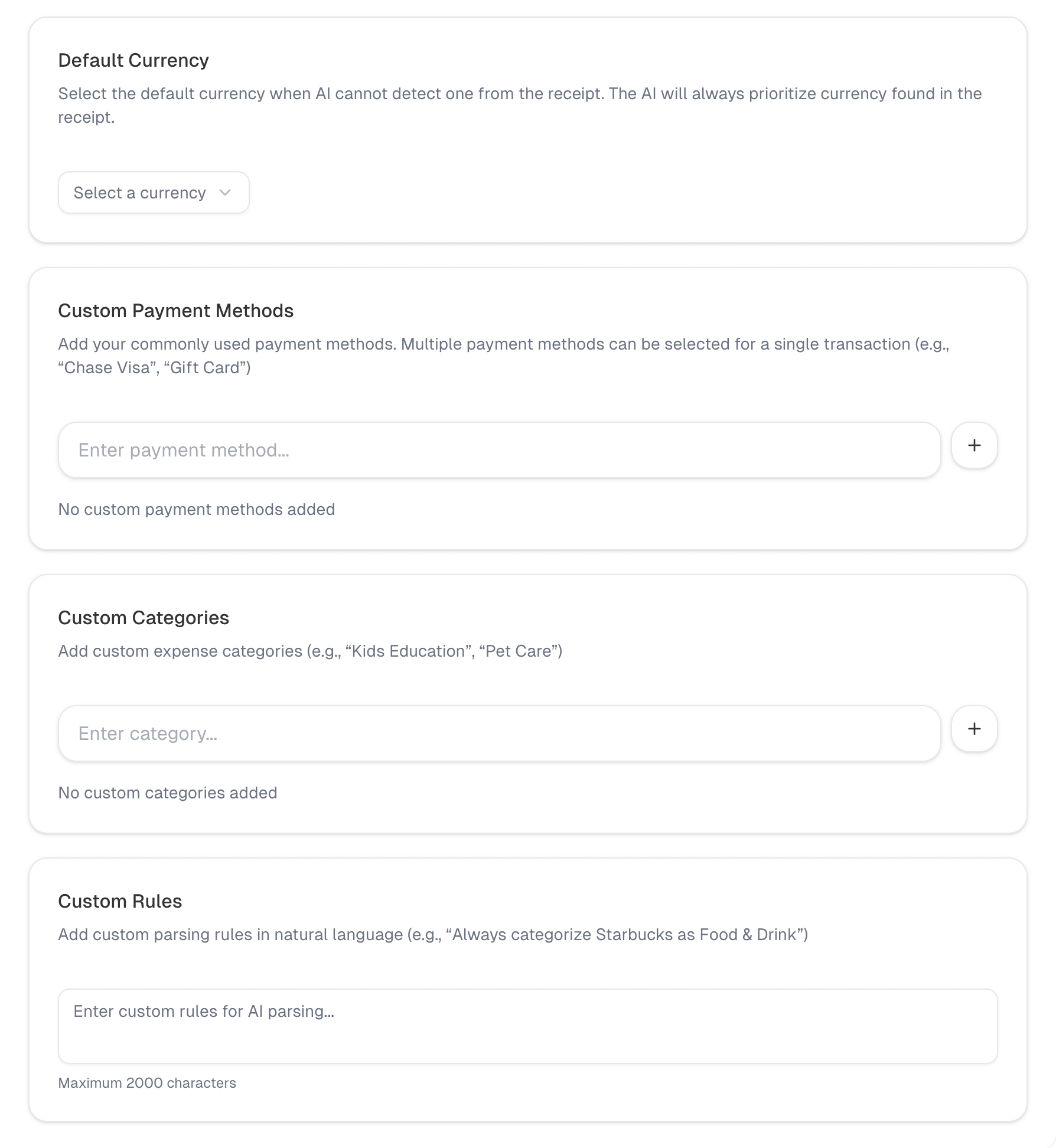 Custom rules page
Default Currency
When AI cannot detect the currency, it will use your default.
- Choose a currency from the Default currency dropdown
- Click Save to apply
Custom Payment Methods
Add the payment methods you frequently use to help AI recognize them:
- Enter a payment method name
- Press Enter or click Add
- To remove, click the delete icon on the tag
Custom Categories
Add category names that better fit your habits:
- Enter a category name
- Press Enter or click Add
- Remove the same way as payment methods
Custom AI Parsing Rules
Describe rules in natural language (up to 2000 characters). For example:
Always categorize Starbucks as Dining
Categorize amounts under 10 as Snacks
Click Save when you are done.
Reset to Default
If rules become messy, click Reset to restore defaults.