
Integrations
Integrations
Sync your expenses to your favorite tools
MoneyNote lets you sync bookkeeping records to multiple platforms for organization and analysis.
Supported Platforms
- Notion - Sync to a Notion database
- Airtable - Sync to Airtable tables
- Feishu - Sync to Feishu Bitable
- Craft - Sync to Craft collections
Coming soon: Google Sheets, DingTalk Bitable
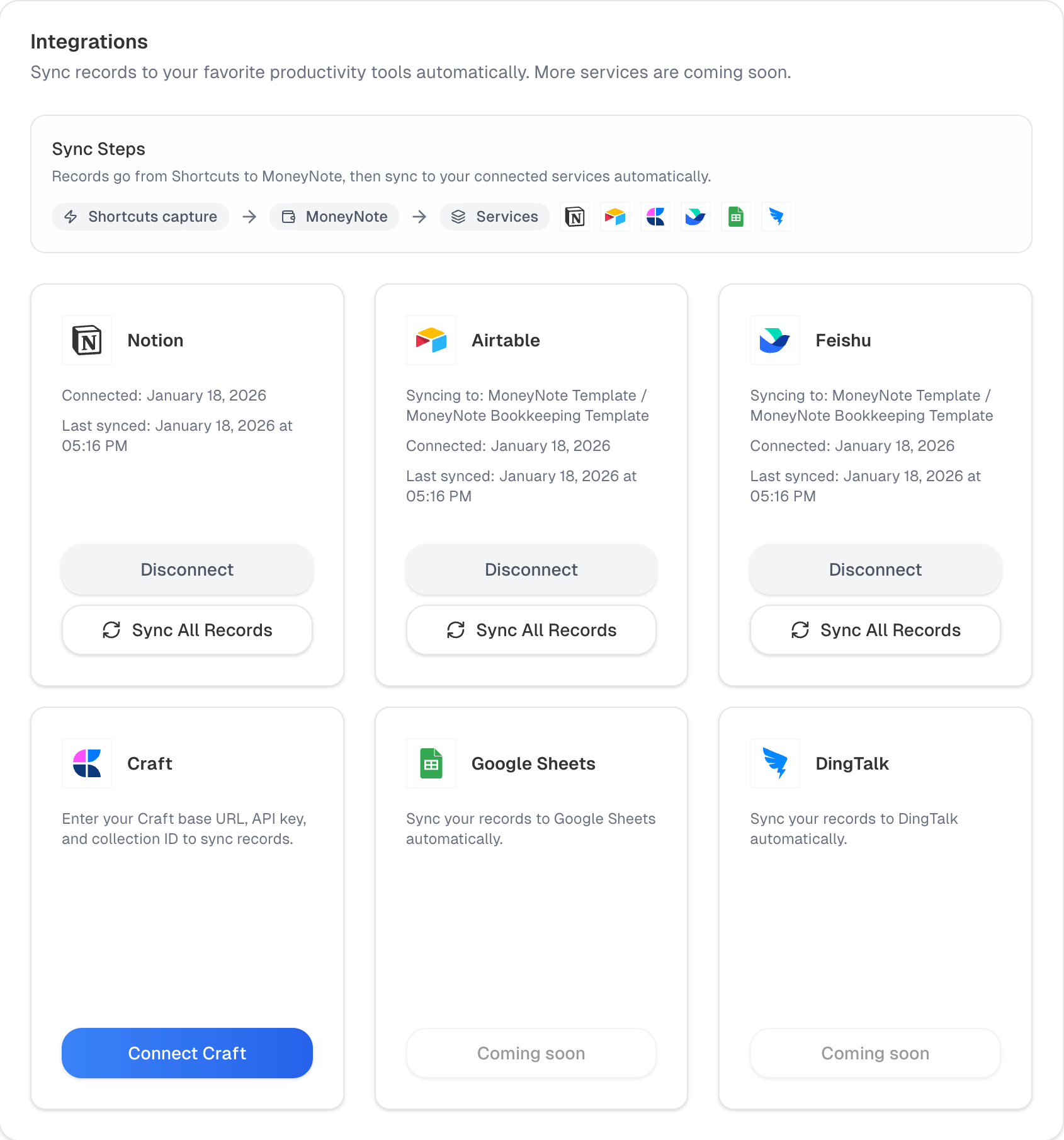 Sync settings
Sync Methods
Automatic Sync
After logging via Shortcuts, records sync automatically to connected platforms.
Manual Sync
Go to Settings -> Integrations and click Sync all records for a platform to batch sync history and view progress.
Before You Start
- Notion: Choose the MoneyNote template during authorization (template link is on the detail page)
- Airtable / Feishu / Craft: Copy the template to your account, then connect and configure (template link is on the detail page)